For most office and work-from-home typing, a decent membrane or scissor keyboard is enough. A mechanical keyboard earns its higher price when you type for hours, want switches you can repair or swap, and choose one whose noise suits your room.
Keyboard advice online splits into two camps: any keyboard is fine, or you have not really typed until you have used a mechanical one. Neither helps when you are choosing a keyboard for a full day of emails, spreadsheets or code. The useful questions are narrower: how much do you type, where do you type, and what will the keyboard cost you — in rupees, in noise and in comfort?
This guide explains how membrane, scissor and mechanical keyboards differ, what the switch jargon means, and what each type costs in India in 2026. It relies on manufacturer specifications and published ergonomics guidance, not hands-on testing claims.
How each type actually works
Membrane (rubber dome) keyboards
Most mass-market keyboards use rubber domes over a three-layer plastic membrane. Pressing a key collapses its dome, which pushes the top layer through a gap to touch the bottom layer and close the circuit. The key usually registers only near the bottom, so many typists “bottom out” on every stroke. Travel is typically 3.5–4 mm, sometimes as little as 2.5 mm, and the feel is soft and cushioned.
Scissor-switch keyboards: the laptop-style middle ground
A scissor switch is still a rubber dome, but interlocking plastic arms hold each keycap level and shorten travel to roughly 1–2.5 mm. It is the design inside most laptops and slim external keyboards such as Logitech’s Pebble Keys and MX Keys. Keys wobble less and feel crisper than on a basic membrane board. If you already type comfortably on a laptop, a good scissor keyboard is the least disruptive upgrade.
Mechanical keyboards
A mechanical keyboard gives every key its own switch — a housing, spring and stem — mounted on a circuit board. The key registers partway down: Cherry’s specification for its standard MX Red lists actuation at 2.0 mm out of 4.0 mm total travel. Each switch is a separate part, so it can be replaced, and keycaps fit a standard stem.
Linear, tactile or clicky: the switch choice in plain terms
Budget boards sold in India often use Outemu, Gateron or similar switches rather than Cherry, but colour names usually follow the same pattern. Cherry’s published specs are a useful reference:
- Linear (e.g. MX Red): smooth all the way down, no bump or click. About 45 cN actuation force, 2.0 mm pre-travel.
- Tactile (e.g. MX Brown): a small bump tells your finger the key has registered, with no deliberate click. About 55 cN at the bump. The common choice for mixed typing.
- Clicky (e.g. MX Blue): a bump plus an audible click. About 60 cN at the pressure point, 2.2 mm pre-travel. The type most likely to annoy people around you.
“Silent” linear and tactile variants add dampening. For a first mechanical keyboard, tactile or linear is the safer pick; be sure you like clicky before you buy it.
Noise: the deciding factor in shared spaces
In an open-plan office, co-working space or shared bedroom, noise matters more than feel. Clicky switches are the loudest, with a sharp click on every press. Linear and tactile switches are quieter, but keys bottoming out still carry more than on a typical membrane board. Silent switches and foam-dampened cases narrow the gap.
Durability, keycaps and repairs
Rated keystrokes
Cherry rates its standard MX Red and Brown at more than 100 million keystrokes and MX Blue at more than 50 million. Logitech’s K120, a common office membrane keyboard in India, is rated for up to 10 million. The bigger difference is repairability: a failed mechanical switch can be swapped; a failed membrane key usually means a new keyboard.
ABS vs PBT keycaps
ABS keycaps are cheaper and smooth, but softer, so fingertips and skin oil polish them to a shine — often within months on the spacebar and busiest letters. PBT is harder, slightly textured and resists shine and yellowing much longer. If you type all day or have sweaty hands, PBT is a meaningful upgrade, though a thin, poorly made PBT set can still be worse than thick double-shot ABS.
Hot-swap sockets
A hot-swappable keyboard holds switches in sockets instead of solder, so you can pull one out and push in another. Most MX-style switches fit; 5-pin sockets accept both 3-pin and 5-pin switches. On a first mechanical keyboard, hot-swap is cheap insurance: if your switch turns out too loud or heavy, you change switches, not the keyboard. Some sub-₹2,500 boards in India, such as Cosmic Byte’s Firefly, already offer it.
Dust, spills and Indian homes
Dust settles fast on desks in many Indian cities, and both types collect it under the keycaps. Mechanical boards are easier to deep-clean because keycaps pull off individually. Membrane boards are harder to open but often handle liquid better — the K120 is sold as spill-resistant. Cherry’s standard MX switches are rated IP40, which covers small solid particles but not liquid, so keep tea away from an open mechanical board.
Rollover and ghosting: does it matter for office work?
Keyboards scan keys in a grid. Without a diode on each switch, pressing several keys together can register a key you never pressed (“ghosting”), so basic membrane boards block extra presses and may reliably read only two or three keys at once. Mechanical boards with a diode per switch can offer N-key rollover (NKRO). For documents and email this rarely matters; it matters more for very fast typists and gaming.
Comfort and posture: what the keyboard can and cannot fix
OSHA’s computer-workstation guidance is clear about what matters: keyboard directly in front of you, shoulders relaxed, elbows close to your body and bent at roughly 90–120 degrees, wrists straight rather than bent up, down or sideways. It also notes that research does not conclusively show alternative keyboards prevent discomfort or injury. The same caution applies to switch types: no keyboard type prevents strain on its own.
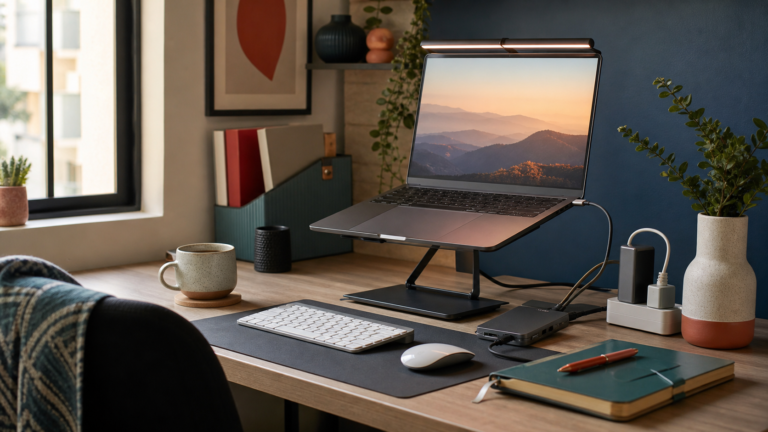
What the type does change is height. Mechanical keyboards are taller, so they often need a palm rest to keep wrists straight; if the keyboard’s feet bend your wrists upward, fold them away. Scissor boards sit flatter. And if your laptop sits on a stand, an external keyboard of any type is essential — our guide to desk gadgets that actually improve a work-from-home setup covers that pairing.
What you’ll pay in India (2026 price bands)
Indicative ranges from Amazon.in, Flipkart and brand-store listings in 2026 — market bands, not quotes; sales often dip below them.
- Basic wired membrane (e.g. Logitech K120): about ₹450–₹900
- Wireless membrane keyboard-mouse combos (e.g. Logitech MK215, MK270r): about ₹900–₹2,000
- Compact Bluetooth scissor (e.g. Logitech Pebble Keys 2 K380s): about ₹2,500–₹3,500
- Premium low-profile scissor (e.g. Logitech MX Keys S): about ₹9,500–₹12,000
- Budget mechanical (Ant Esports, Cosmic Byte, Redragon, TVS-e Gold Bharat): about ₹1,000–₹2,700
- Mid-range wireless or hot-swap mechanical (e.g. Keychron K-series): about ₹7,500–₹13,000
- Enthusiast boards (gasket mount, QMK/VIA remapping): ₹15,000 and up
TVS-e’s Gold Bharat prints the ₹ symbol and bilingual legends for nine Indian languages, handy if you are learning InScript — though any keyboard can type Hindi and other Indian languages through Windows, macOS or Android settings. Many budget mechanical boards are sold as RGB “gaming” keyboards; check that the lighting can be set to white or off.
Which one should you pick?
- Membrane if you type a few hours a day, want the lowest cost, work in a shared space, or need spill resistance on a busy family desk.
- Scissor or low-profile if you like laptop typing, want flat wrists without a palm rest, switch between devices, or need near-silent typing for calls.
- Mechanical with linear or tactile switches if you type most of the day, want consistent feel and repairable switches, and can accept a little more noise and height.
- Silent or dampened mechanical if you want mechanical feel in an open office or shared room.
- Skip clicky switches unless you work alone and know you like them.
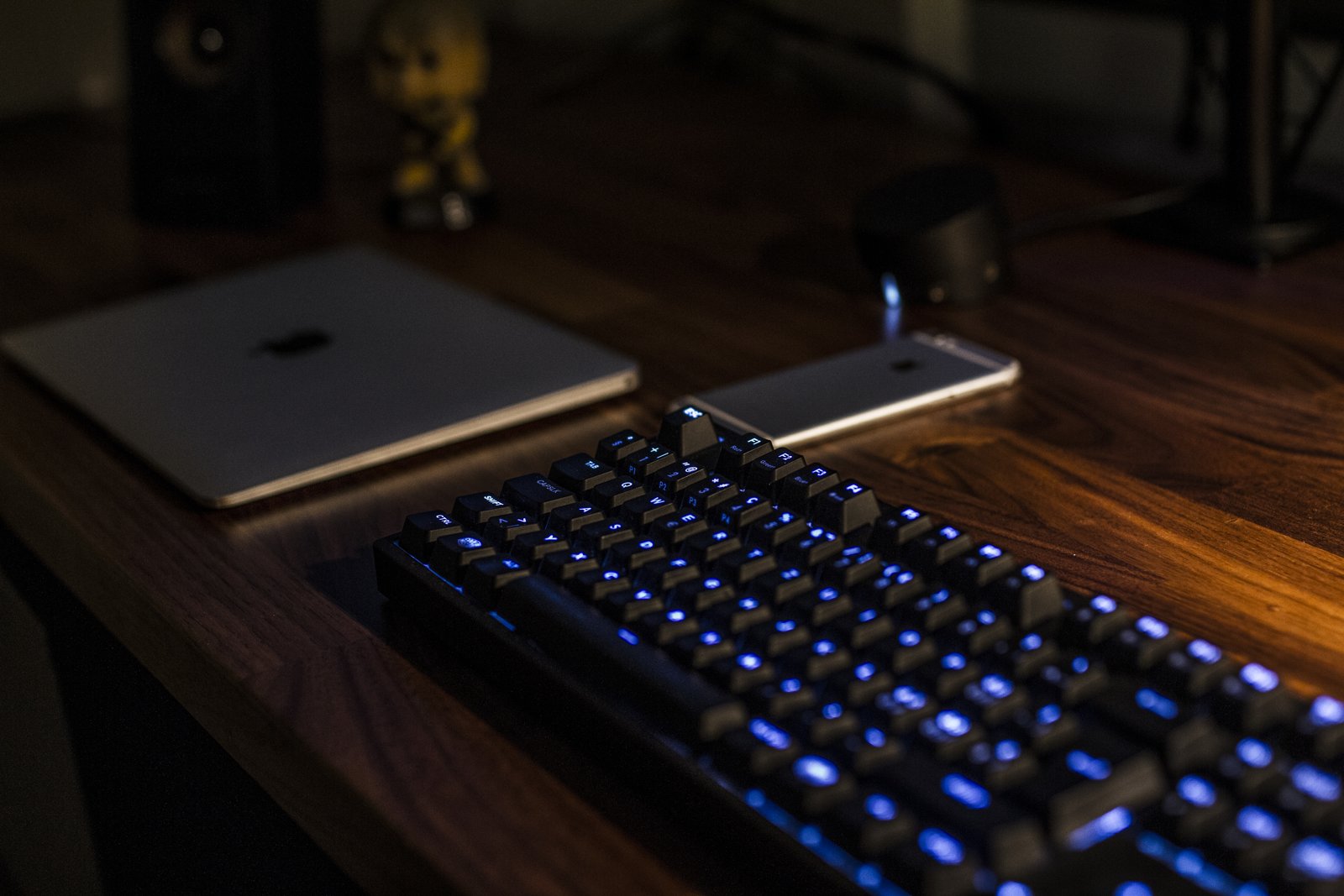
Backlit keys help in a dim room, but they are no substitute for proper task light — see our guide to layering lamps instead of relying on the overhead light.
Before you buy: a quick checklist
- Estimate your daily typing hours and who sits within earshot
- Choose the switch family first: linear, tactile, clicky, or scissor for laptop feel
- Prefer hot-swap sockets and PBT keycaps on a mechanical board
- Full-size if you use the number pad; tenkeyless or 75% to keep the mouse closer
- Check wired, Bluetooth or 2.4 GHz, and USB-C charging
- Look at the layout photo, including Enter-key shape and any ₹ key
- Confirm the warranty and where service is handled in India
FAQ
Is a mechanical keyboard better for typing than a membrane one?
Not automatically. It offers more consistent feel, earlier actuation, longer-rated switches and easier repair, but many people type just as well on a good membrane or scissor keyboard. The difference matters most if you type for long stretches daily.
Which mechanical switch is best for office work?
Tactile (Brown-type) or linear (Red-type) switches suit most office typing; silent variants are better for shared rooms. Avoid clicky (Blue-type) switches around colleagues or on frequent calls.
Are mechanical keyboards too loud for an open office?
Clicky ones usually are. Linear and tactile boards are quieter but still louder than most membrane keyboards. If noise is a worry, choose silent switches or a low-profile scissor keyboard.
Wired or wireless for a work-from-home desk?
Wired is cheapest and never needs charging. Wireless keeps the desk tidier and can switch between laptop, tablet and phone. If you work from cafés or travel, a compact Bluetooth board pairs well with the kit in our guide to choosing a power bank.
Is a ₹1,500 mechanical keyboard worth it over a ₹600 membrane one?
It can be, if you type a lot and want to try mechanical feel cheaply. Budget boards often use ABS keycaps and louder switches, so treat one as a trial. If you are happy with your current keyboard, the money may do more as a laptop stand.
Bottom line
Start from the job. Light typing in a shared space points to a membrane or scissor keyboard. Long daily typing, with control over your own noise, points to a mechanical board with linear or tactile switches — ideally hot-swappable with PBT keycaps. Whatever you pick, put it straight in front of you, keep your wrists neutral, and spend where your working day actually needs it.