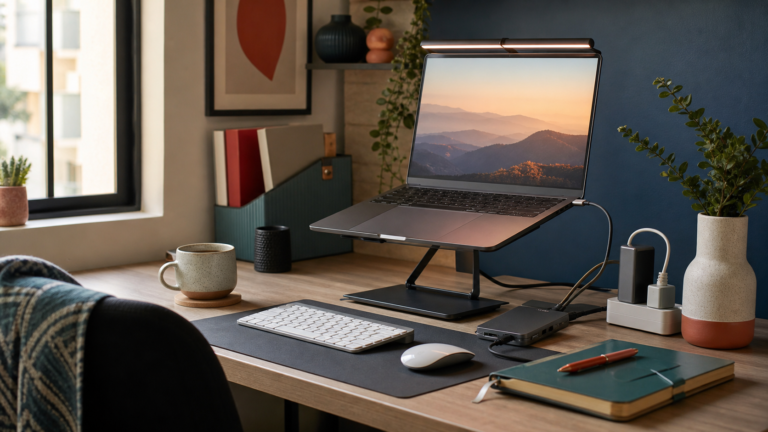
Set the top of the screen at or slightly below eye level, about an arm’s length away, and type on an external keyboard and mouse with your elbows near 90 degrees. Then choose a stand that can actually reach that height, stays steady and lets the laptop breathe.
A laptop is a built-in compromise. When the screen is at a comfortable height, the keyboard is too high; when the keyboard is at a comfortable height, the screen is too low. Most people settle the argument by bending their neck, and after a few months of full workdays at a dining table, that is the part that starts to complain.
A laptop stand fixes the screen half of the problem. This guide covers where the screen should sit, how much lift you need, what to check before buying a stand in India, and when books or a monitor arm make more sense. It draws on published guidance from OSHA and university ergonomics departments plus current Indian listings, not hands-on testing claims.
The setup a stand is supposed to create
Screen height: top at or slightly below eye level
OSHA’s computer workstation guidance says the top of the monitor should be at or slightly below eye level, with the centre of the screen about 15 to 20 degrees below your horizontal line of sight. Sitting upright and looking straight ahead, your eyes should land on the top edge or top third of the screen, with the area you read most about 15 degrees lower. Don’t overcorrect: tilting your head back tires the neck too.
Distance: about an arm’s length
Sit back and stretch an arm forward; your fingertips should roughly reach the screen. That is about 40 to 75 cm for most people, closer for a small laptop screen and further for a large monitor. If you lean in to read, increase the text size instead.
Keyboard and mouse: elbows near 90 degrees
This is the step people skip. On a stand, the laptop’s own keyboard and touchpad are too high for comfortable use. Temple University’s ergonomic laptop stand buying guide is blunt about it: an external keyboard and mouse should always be used with a laptop stand. Place them at about elbow height: shoulders relaxed, elbows close to your sides and bent near 90 degrees (up to about 120 is fine), wrists straight. If you are choosing one, our comparison of mechanical vs membrane keyboards covers which type suits long typing days.
Work out how much lift you need before you shop
Listings talk about angles and “levels”, not the number that matters: how high your screen top will end up. Two measurements settle it.
- Your eye height above the desk: sit as you work, feet flat and elbows level with the desk, and measure from the desk surface to your eyes. At a standard desk this is often around 40 to 50 cm.
- Your screen top on a bare desk: open the laptop normally and measure from the desk to the top edge of the screen, usually around 20 to 25 cm for a 14 to 15.6-inch laptop.
The difference, minus a few centimetres, is the lift you need. It is often 15 cm or more, which rules out many low folding stands that mainly tilt the laptop. Look for a listed maximum height in centimetres, or ask the seller.
How to choose a laptop stand: what to check
1. Enough height range
This matters more than anything else on the box. An adjustable stand that reaches your measurement beats a fixed riser that leaves the screen 8 cm short, especially if more than one person or desk is involved.
2. Tilt you can lock
Tilt lets you angle the screen towards your eyes and dodge glare from a window or tube light. It should lock firmly; a hinge that creeps down while you work is worse than none.
3. Rigidity, non-slip feet and a front lip
A stand should not wobble when you tap the screen or plug in a cable. Look for silicone pads on the feet and platform, and front hooks or a lip that stop the laptop sliding. Taller stands wobble more, so the base matters more as height goes up.
4. A weight rating with headroom
Temple’s guide suggests a rating at least 20% above your laptop’s weight, typically 5 kg or more. Many budget aluminium stands in India list 5 kg. Heavy gaming and 16 to 17-inch laptops need more headroom; some telescopic stands warn of slight sagging under them.
5. Ventilation
Many laptops pull air through vents underneath. An open or slotted frame keeps them clear; a solid platform can trap heat, which matters in an Indian summer.
6. Foldable or fixed
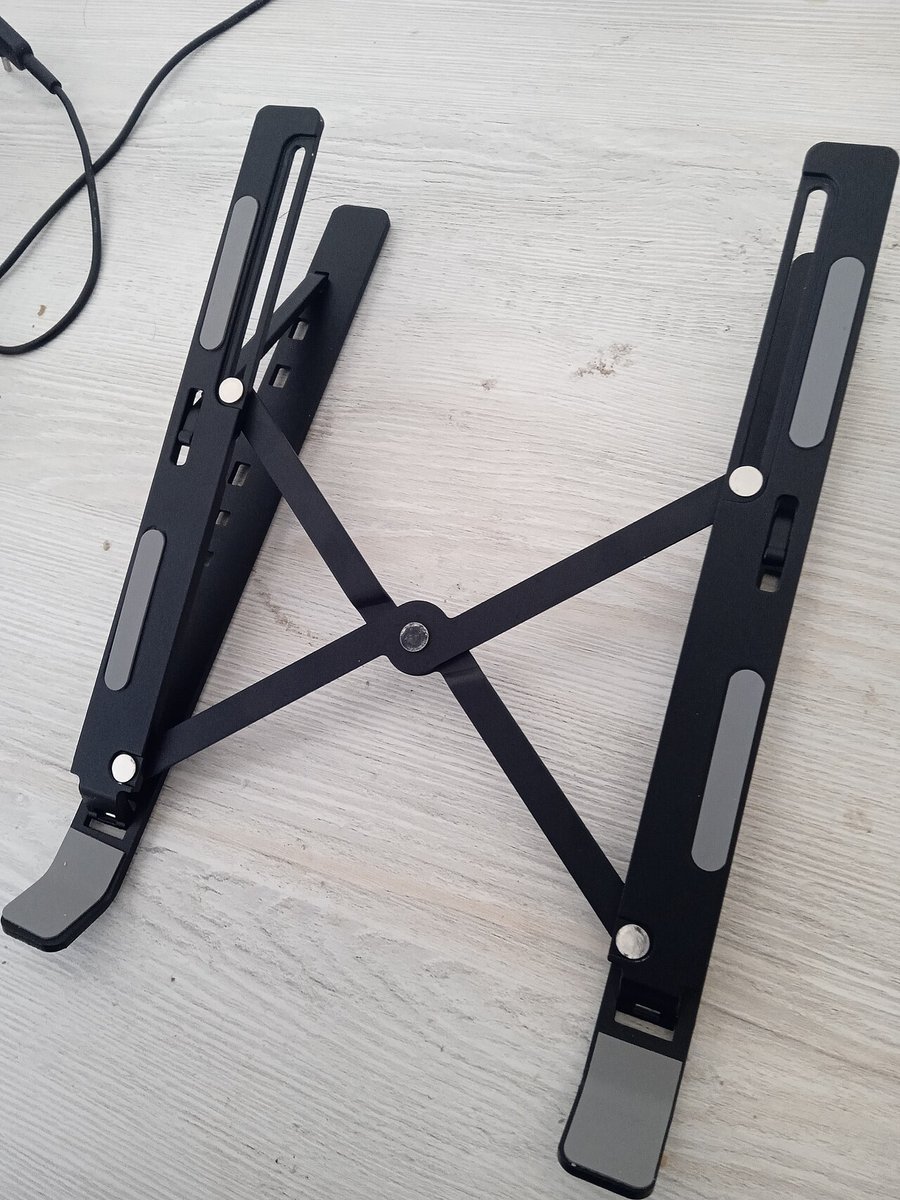
Folding stands weigh roughly 250 to 800 g and slip into a laptop bag, good for hybrid work. Fixed desk stands are usually steadier and reach higher. If it never leaves your desk, choose stability.
Aluminium vs plastic
Aluminium is stiffer, lasts longer and helps draw heat away, and in India basic aluminium folding stands often cost only ₹100 to ₹200 more than ABS plastic ones. Thin plastic can flex under load, especially at the top setting. For daily desk use, aluminium is the safer default; plastic is fine for occasional use with a light laptop.
What laptop stands cost in India (2026 price bands)
Indicative ranges from Amazon.in and Flipkart listings in October 2026. These are market bands, not quotes; festive sales often go lower.
- ABS plastic folding stands: about ₹200–₹400
- Basic aluminium folding stands (6 to 10 levels, often 5 kg rated, from brands like Amazon Basics, Dyazo, Portronics and Tukzer): about ₹270–₹800. Many mainly tilt and lift modestly, so check the maximum height.
- Larger or taller aluminium risers (up to 17-inch laptops, more height levels): about ₹1,000–₹2,500
- Telescopic eye-level stands (continuous height adjustment, sometimes rotating): about ₹3,000–₹6,000, with imported premium models above ₹10,000
- Gas-spring monitor arms, for comparison: about ₹1,800–₹3,500 for a single budget arm; premium brands cost far more
When a stand is worth it, and the free fix first
A stand earns its place if you regularly work on the laptop for more than 30 to 60 minutes at a time, already feel neck or upper-back discomfort, or work from several places and want the same setup everywhere.
Before buying, try the free version: stack thick books, a sturdy box or a ream of paper under the laptop until the screen is at the right height, and use any spare keyboard and mouse. Temple and UC Berkeley’s ergonomics guides both suggest this. If it feels better after a week, you know a stand is worth it and how high it must reach. Keep the pile stable and the vents clear.
Wear bifocals or progressives? Set the screen lower
If you read through the bottom of your lenses, a screen at standard eye level makes you tip your head back. OSHA and Cornell’s ergonomics guidance both suggest setting the screen lower than usual, tilting it slightly up, and adjusting until you can read without lifting your chin. Single-vision computer glasses are another option to ask an optometrist about. A stand with a wide height range lets you go lower as well as higher.
Laptop stand vs monitor arm vs external monitor
- Laptop stand: the cheapest way to raise the laptop’s own screen; best if you move between places. You still need an external keyboard and mouse.
- External monitor: a bigger screen, with the laptop closed or on a stand beside it as a second screen. Worth it for long hours at one desk; many budget monitors don’t adjust in height, so you may still need a riser.
- Monitor arm: clamps to the desk and holds a monitor (or a laptop, with a tray) at almost any height and angle. It frees desk space and suits shared desks or bifocal users; check for VESA holes on the monitor and a desk edge that takes a clamp.
If you are building out a home desk, our list of 9 desk gadgets that actually improve a work-from-home setup covers the hub, cables and lighting that go with a raised laptop. Glare is the other reason people hunch, so see our guide to layering lamps instead of relying on the overhead light.
FAQ
What is the right laptop stand height?
High enough that, sitting upright, the top of the screen is at or slightly below eye level. Measure your eye height above the desk and the height of your screen top on a bare desk; the difference, minus a few centimetres, is the lift you need.
Do I need an external keyboard with a laptop stand?
Yes, for anything beyond short sessions. A raised laptop puts its keyboard and touchpad too high, moving the strain to your wrists and shoulders. An external keyboard and mouse at elbow height completes the setup.
Are cheap ₹300 laptop stands any good?
They can be, if they reach your height. Many budget aluminium stands are well built and rated for about 5 kg, but some mainly tilt the laptop rather than raising it to eye level. Check the maximum height before buying.
Is an aluminium or plastic laptop stand better?
Aluminium, for daily use. It is stiffer, more durable and helps with heat, and in India it often costs only slightly more than plastic. Plastic suits occasional use with a light laptop.
Can I just use books instead of a laptop stand?
Yes. A stable stack of books, a box or a ream of paper works, and university ergonomics guides suggest it. Keep the vents clear and the pile steady. A stand mainly adds adjustability, airflow and portability.
Bottom line
Measure first, then buy. Screen top at or a little below eye level, an arm’s length away, typing on an external keyboard and mouse with elbows near 90 degrees. Choose a stand that reaches your height, does not wobble, is rated well above your laptop’s weight and keeps the vents open. If books get you there for free, start with books.
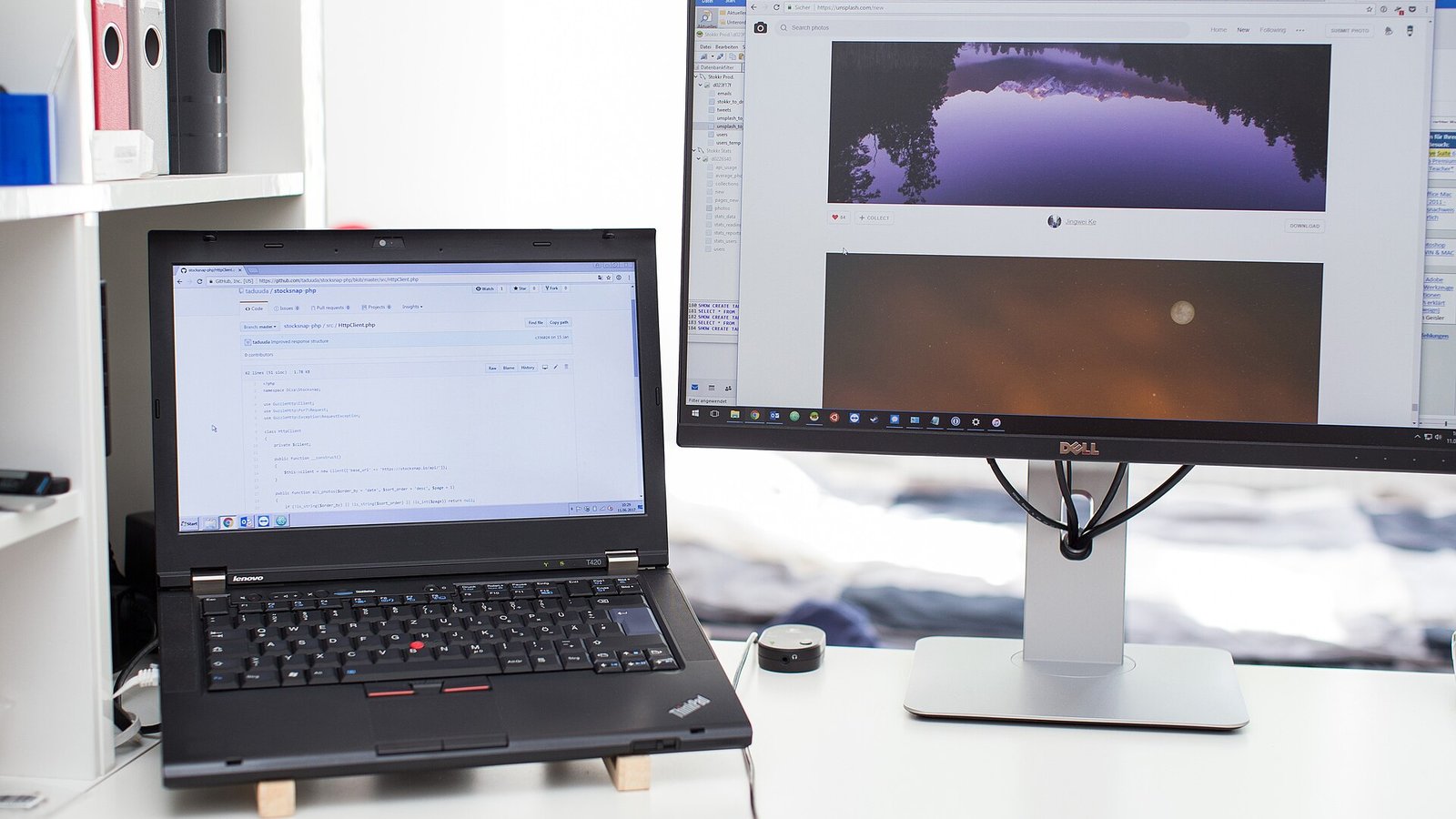
Featured photo: “Laptop computer monitor” by taduuda (via Unsplash), from Wikimedia Commons, public domain (CC0); cropped and resized. Folding stand photo: “Laptop stand” by Solijon Solayev, via Wikimedia Commons, licensed CC BY-SA 4.0; cropped and resized.