Most listings say “eye care” and “flicker-free” without a single number. Read five specs, pick the right type, then place it properly.
If you sit at a screen for eight hours or more, a desk lamp is about balance, not brightness: enough light on the keyboard and papers, no reflection in the screen and no flicker. This guide explains how to choose a desk lamp for long work hours by reading the specs, not the adjectives.
It is based on lighting standards, manufacturer specifications and current Indian retail prices, not hands-on testing.
Where the discomfort usually comes from
Lighting makes long screen days uncomfortable in four predictable ways: too much contrast between a bright screen and a dark desk (or the reverse), reflected glare from a lamp or window on the screen, a bare LED you can see from your chair, and flicker from cheap LEDs when dimmed. A good lamp handles contrast and flicker; glare is mostly about where you put it. If your eyes still feel strained after you’ve sorted the lighting, see an eye doctor; a lamp can’t fix an uncorrected prescription or dry eyes.
The five numbers to read on a listing
1. Lux at a stated height, not just lumens
Lumens tell you how much light the LEDs emit. Lux tells you how much actually lands on the desk, and that depends on the lamp’s height and beam. A good spec sheet says something like “800 lux at 45 cm”, ideally with the area that gets 500 lux.
As a target, about 300 to 500 lux on the work surface is comfortable for screen work with some reading and writing. The European workplace lighting standard EN 12464-1 uses 500 lux for writing, typing, reading and data processing. More isn’t better if the desk ends up brighter than your screen, so a good dimmer matters as much as maximum output.
2. Colour temperature in kelvin
| Setting | Looks like | Good for |
|---|---|---|
| 2700 to 3000 K | Warm, yellowish | Evenings and winding down |
| About 4000 K | Neutral white | The safest single setting for mixed daytime work |
| 5000 to 6500 K | Cool, bluish | Daytime focus, matching bright daylight from a window |
If you work late, a lamp that shifts to warm, dim light is gentler before sleep. Avoid mixing very different tones in one view, like a 6500 K lamp under a warm ceiling light.
3. CRI, and the R9 number behind it
CRI (colour rendering index, shown as Ra) measures how naturally a light shows colours. For screen work, Ra 80 is fine and is the office standard’s minimum. If you read a lot of print, sketch, check colours or join video calls, Ra 90 or above helps.
The catch: the headline number averages eight pastel test colours and leaves out R9, saturated red, so a lamp can claim Ra 90 and still make skin look dull. Better brands publish R9 separately; a value above 50 is decent. A big CRI claim with no R9 anywhere is a small warning sign.
4. Flicker and how it dims
Constant-current dimming lowers the LED current steadily. Cheap PWM (pulse-width modulation) dimming switches the LEDs on and off very fast, and at low frequencies that flicker can bother some people even when they can’t see it.
Listings often say “IEEE 1789 compliant”, referring to IEEE 1789-2015, a recommended practice for LED flicker. It is still the usual reference, though IEEE moved it to inactive-reserved status in March 2026 because it wasn’t revised within ten years. A stated flicker percentage is more useful than a logo. You can do a rough check yourself: set the lamp to its lowest brightness and look at it through your phone camera, or in slow-motion video. Dark bands rolling across the picture suggest PWM flicker. It’s rough, but it catches the worst lamps.
5. Reach and adjustability
Check arm reach, head height, tilt and swivel, and clamp versus base. A clamp frees desk space and reaches further; a base is easier to move. The head should sit above eye level and point down, so you never look into the LEDs.
Study lamp, arm lamp or monitor light bar?
Our guide to desk gadgets that actually help gives a light bar a short mention. Here’s how the three main types compare for long days:
| Type | Best for | Watch out for |
|---|---|---|
| Gooseneck study lamp | Small desks, laptop users, reading and notes | Narrow pool of light; LEDs can sit near eye level |
| Arm lamp with a wide head | Paper plus screen, bigger desks, two monitors | Needs a clamp or a heavy base; place it carefully for glare |
| Monitor light bar | Screen-only desks with little space | Suits monitors more than laptops; lights a strip, not a big desk |
A light bar clips onto the monitor and angles light down at the keyboard, away from the screen. With a 27-inch screen or two monitors, a small lamp rarely covers the desk evenly; look at a dual-arm or wide-head lamp, or a wider light bar, and check its stated coverage.
What things cost in India
Prices swing during sales like the Great Indian Festival, and many MRPs are inflated. Rough tiers in October 2026:
- Under ₹500: basic rechargeable or USB study lamps, such as the Crompton Deskmate (about ₹359 on Amazon.in) or Fulminare’s dimmable lamp (about ₹399). Expect no lux, CRI or flicker figures.
- ₹900 to ₹1,300: branded gooseneck lamps. The Philips Sky rechargeable lamp has been about ₹949 on Amazon.in. The Wipro Garnet 6W, a corded lamp with three colour modes (warm, neutral and cool white) and three dimming levels, lists at ₹1,500 MRP and sells for about ₹1,299, with a 1-year warranty.
- About ₹2,000 to ₹3,500: generic USB monitor light bars from brands such as Baseus, Quntis and Govee.
- ₹12,000 and up: premium light bars. BenQ launched the ScreenBar Halo 2 in India at ₹17,490 and it was about ₹16,749 on Amazon.in during the sale (MRP ₹24,990). BenQ India gives its lamps and ScreenBars a 12-month carry-in warranty, with 3 months on the clamp and adapter.
Wipro, Philips, Syska and Crompton have service reach in most cities; no-name imports often mean a return window and nothing after.
Power cuts and backup
Rechargeable lamps keep working in a power cut, but they’re usually dimmer than corded ones and their batteries wear out (the Philips Sky is rated for about 3.5 hours). For a main work desk, a corded lamp on an inverter-backed socket is often better. A USB-powered light bar can also run from a power bank during a cut; our power bank guide explains how to pick one with enough output.
A note on BIS marks
LED bulbs, fixed LED luminaires and many power adapters fall under the BIS Compulsory Registration Scheme, and registered products carry an R-number you can look up. Portable table lamps aren’t listed as a separate category, so a missing R-number on the lamp isn’t proof of a problem, but one on the lamp or its adapter is a good sign from an unfamiliar brand.
Set it up in ten minutes
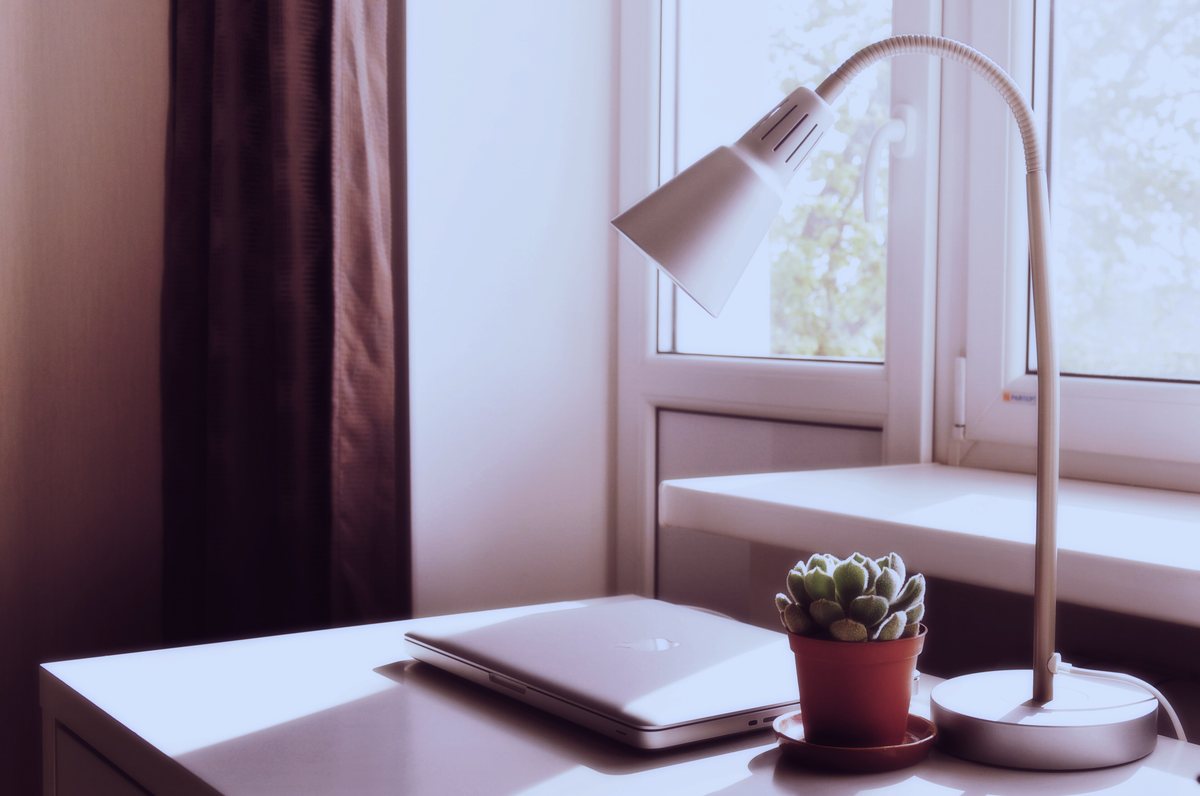
- Fix the screen first. Put the monitor at right angles to the window. The OSHA workstation lighting guidance recommends this. Screen height matters too; see our laptop stand and monitor height guide.
- Put the lamp on the side opposite your mouse hand, so your hand doesn’t shadow your work.
- Raise the head above eye level and point it down at the keyboard and papers, not at the screen.
- Do the mirror test. Treat the switched-off screen as a mirror. If you can see the lamp or its bright spot from your chair, move or tilt the lamp until it disappears.
- Match the screen. Turn the lamp down until the desk isn’t brighter than your screen. Start at around 4000 K in the day.
- Keep some room light on. A desk lamp shouldn’t be the only light in a dark room; our guide to layering lamps covers soft background light.
- Recheck after about 90 minutes and again at dusk. What suits noon may be too bright at 7 pm.
Quick checklist before you buy
- Lux at a stated height or a coverage area
- Smooth dimming with real flicker information
- A 4000 K setting, plus warm light if you work late
- Ra 80+ for screens; Ra 90+ with R9 for print or colour
- A shielded head that sits above eye level
- Enough reach for your whole desk
- Reachable service, and the selling price, not the MRP
FAQ
How bright should a desk lamp be for computer work?
About 300 to 500 lux on the desk. Office standards use 500 lux for reading and screen work, but the desk shouldn’t be brighter than your screen, so dimming matters more than peak brightness.
What colour temperature is best for a desk lamp?
Around 4000 K (neutral white) is the safest single setting for daytime work. Cooler light up to 6500 K suits bright daytime focus; switch to warm 2700 to 3000 K light in the evening.
Is CRI important for a desk lamp?
For screen work and text, Ra 80 is enough. If you read print, sketch, check colours or take video calls, look for Ra 90 or above, ideally with a published R9 value for reds.
Is a monitor light bar better than a desk lamp?
For a small, screen-only desk, often yes: it lights the keyboard without reflecting in the screen. For paper work, a big desk or two monitors, a wide-head arm lamp covers more.
Can a desk lamp stop eye strain?
Good lighting reduces glare and harsh contrast, which makes long days more comfortable, but it can’t fix vision problems or dry eyes. If strain persists, see an eye doctor.
Bottom line
Buy on numbers, then place it with care: lux at a stated height, flicker-free dimming, a 4000 K setting and decent CRI, with the head above eye level and out of the screen’s reflection.
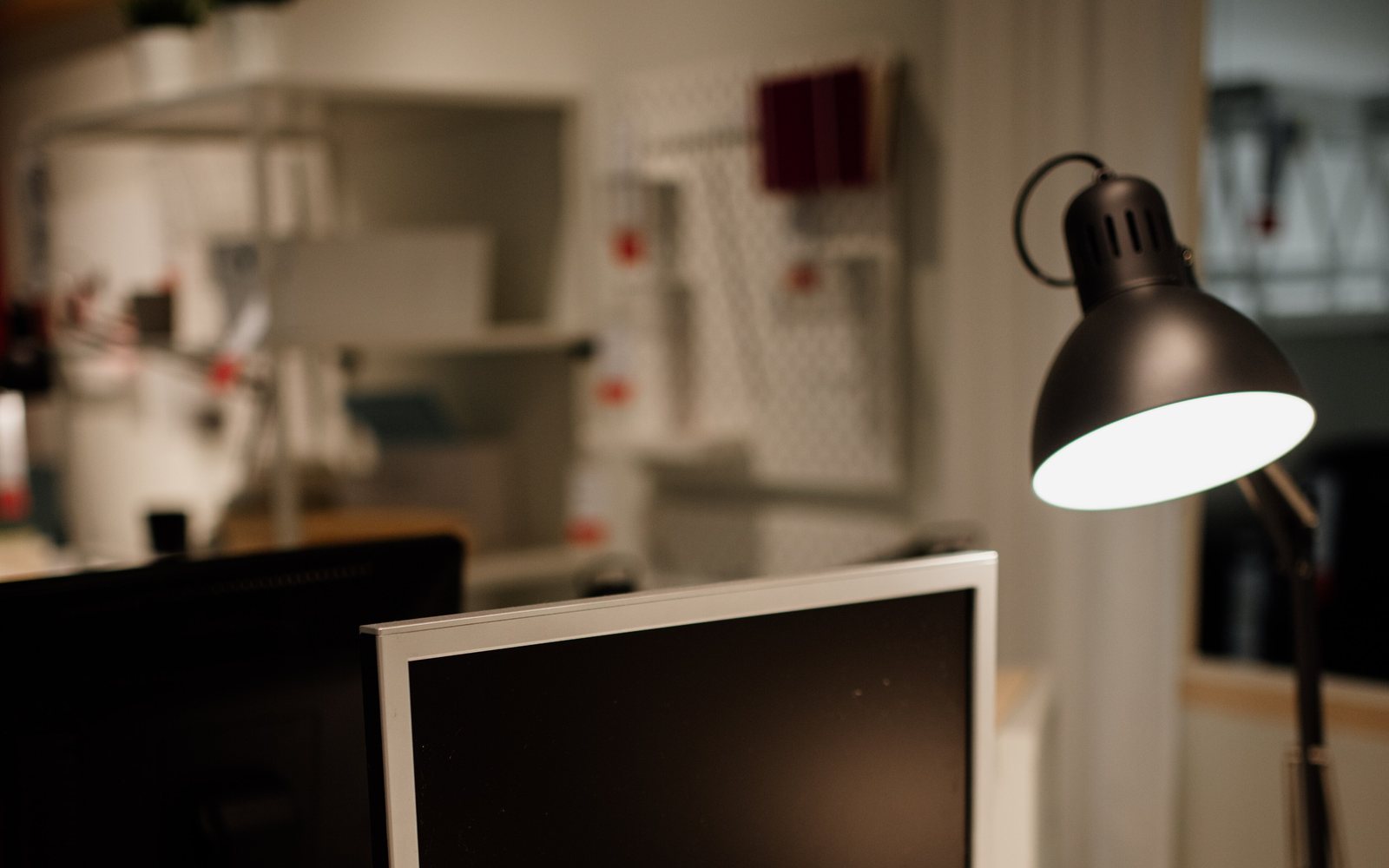
Photos: arm lamp above a monitor by Shixart1985, from Wikimedia Commons, licensed CC BY 2.0, cropped and resized; laptop and lamp by the window by Tatiana Lapina, from Wikimedia Commons (originally Unsplash), CC0. Prices checked on 25 October 2026 and will change.